

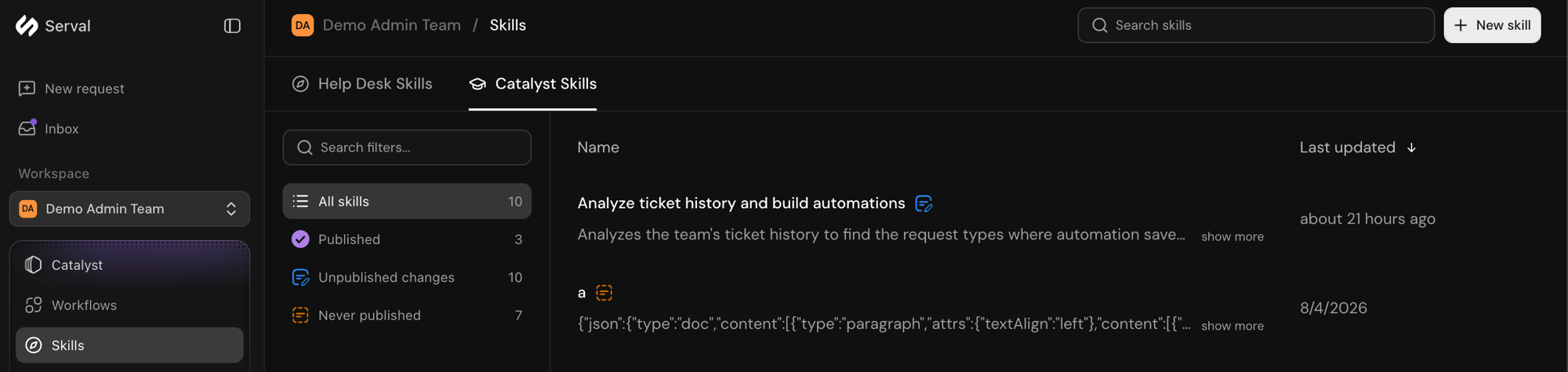
The Catalyst Skills tab of the Skills page, with publish-status filters
- From the team sidebar, open Skills.
- In the top-right corner, click New skill.
- In the Create a new skill modal, choose Catalyst Skill.
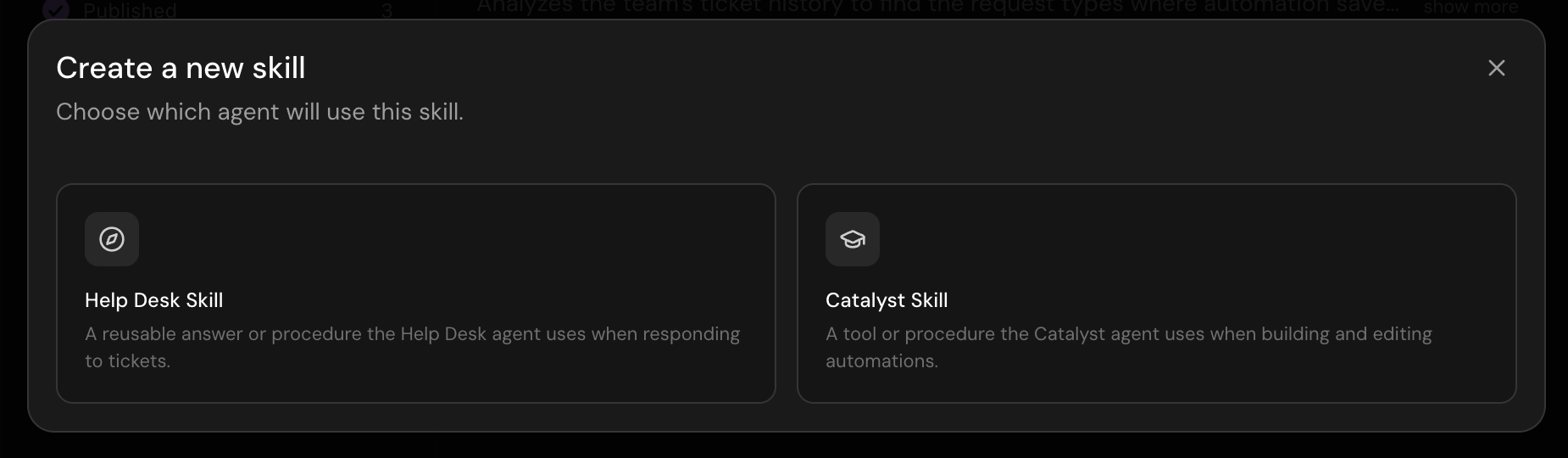
Choosing between a Help Desk skill and a Catalyst skill
Catalyst skills vs Help Desk skills
Catalyst skills are distinct from Help Desk skills. The two are compared in the table below.
For more information, see Help Desk skills.
Examples
- Help Desk skill: “When someone asks for laptop replacement, gather the reason, run the laptop-request workflow, and set expectations on turnaround time.”
- Catalyst skill: “Our team prefix is ENG. Always use installable workflows for Okta group changes when one exists.”
Related
Catalyst workspace
Build automations in the Catalyst chat
Help Desk skills
Instructions for the help desk agent on end-user requests