

Highlights
Create custom task types
By default, tasks are built-in ticket types. Now, you can create custom task types with their specific status lifecycle and fields. Each task type can be a child of specific parent ticket types. When you add a task to a ticket, select from the custom task types allowed under that ticket type. For example, a security team adds a Remediation custom task type that can only be a child ticket of incidents and problems.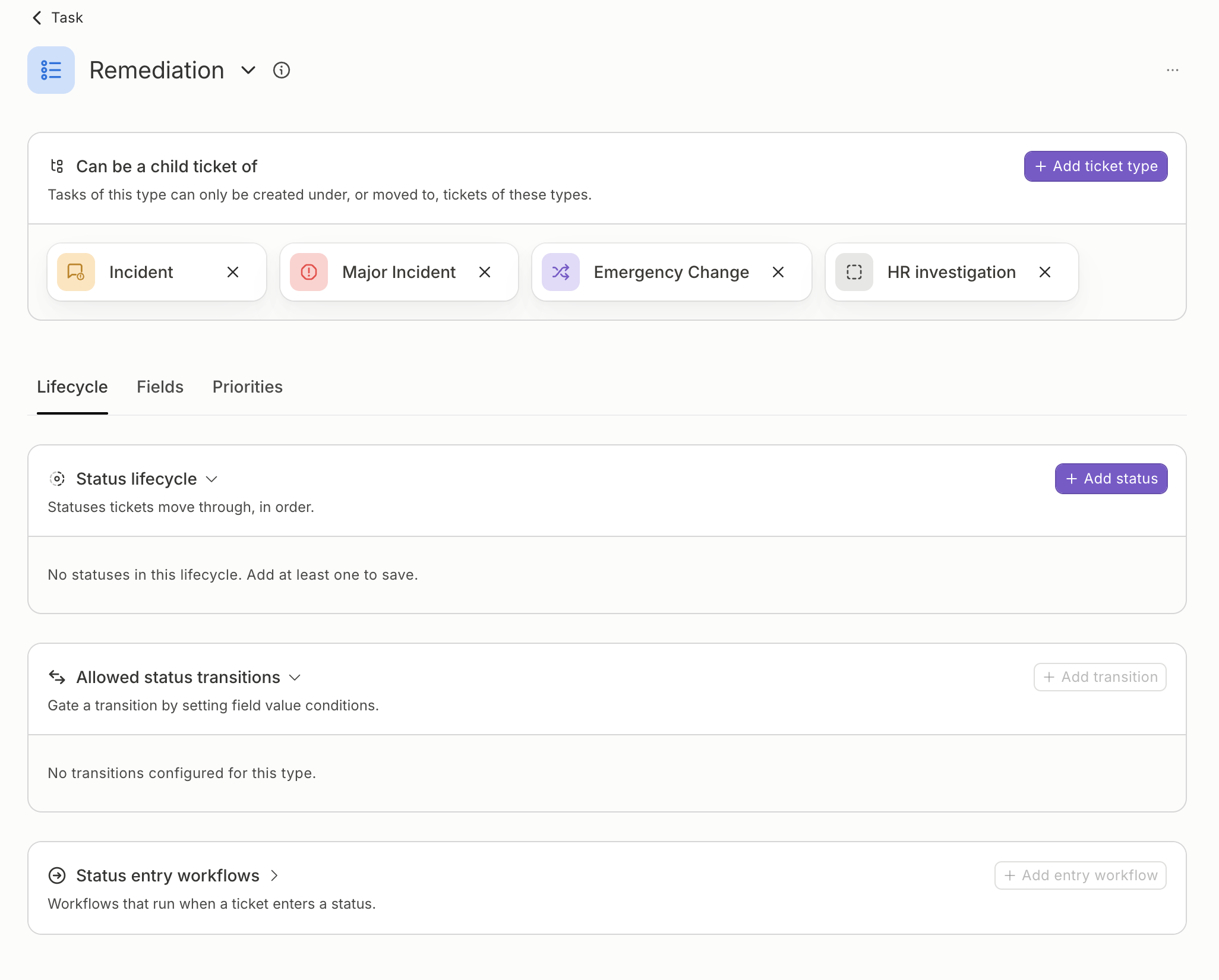
Add custom task statuses
Tasks are no longer limited to a fixed set of statuses. Add your own and edit them in Team Settings → Ticket Types → Task, the same way as for requests and incidents. Tasks of the built-in Task type can use every task status, and each custom task type picks the ones it moves through. For example, add a “Waiting on vendor” status so tasks blocked on a third party stand out from tasks in progress.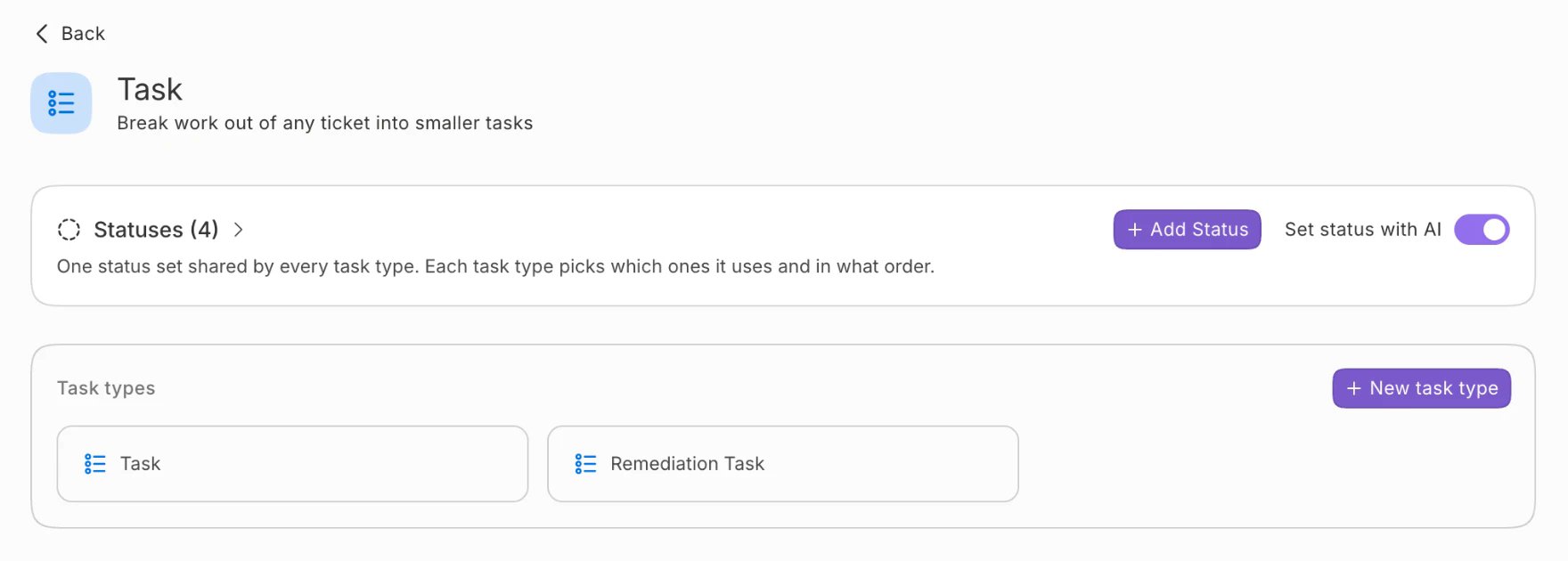
Tickets
Tasks grouped by type on the parent ticket A ticket’s Tasks section lists tasks of the built-in Task type first, then one group for each custom task type. Each task’s badge names its type, such as “Remediation Task”. Only tasks take a parent ticket Set parent ticket moves a task under another ticket, and for a task of a custom task type it lists only the tickets its type allows. Other tickets can’t be given a parent. One that already has a parent keeps it, and can still move or detach. See Moving a task to another parent. Change types and task types Ticket Types settings call a type’s variants Change types and Task types, so buttons read New change type and New task type.Platform
Create tasks of a custom task type through the API Pass a custom task type’s identifier asticket_subtype with parent_ticket_id when creating a ticket.