

From list view
Click the property control in the row to update without opening the ticket:Status
Move tickets between workflow stages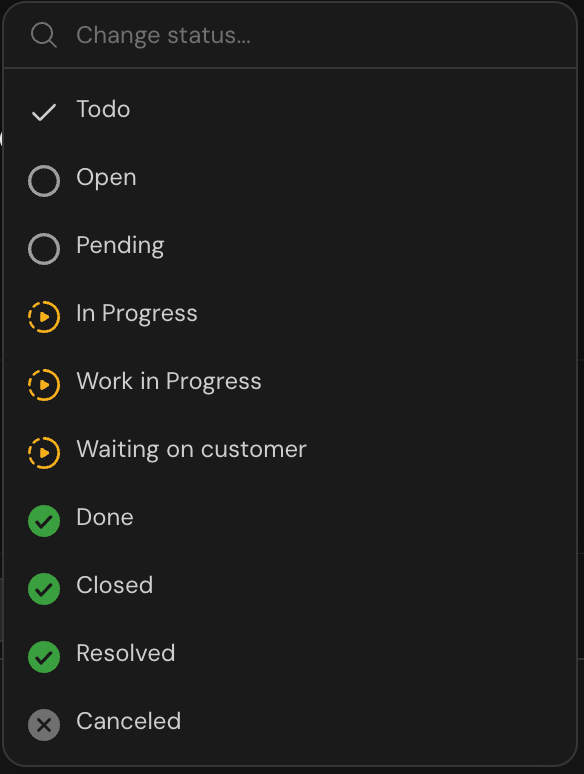
Priority
Adjust urgency level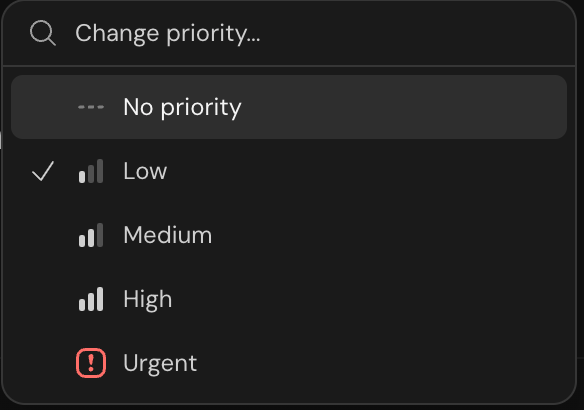
Assignee
Reassign to a team member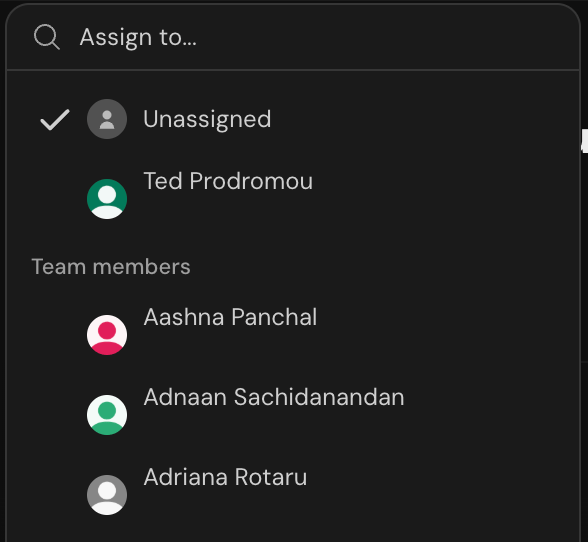
Labels
Add or remove labels. In narrow or sidebar list layouts, labels are display-only. Edit them from the ticket detail view.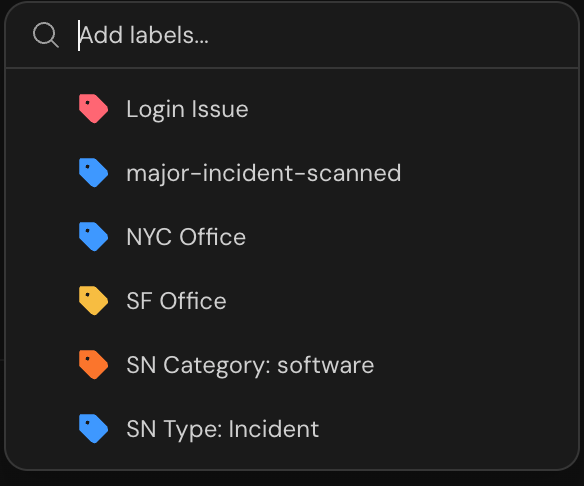
From detail view
Open a ticket and update properties from the Properties panel on the right, or from the property pills in the page header when the panel is closed:- Click any property to open its menu. Changes save automatically.
- Set Assignment group to choose the ticket’s owning assignment group. This is separate from the individual assignee.
- Set Team to move the ticket to another team. Serval asks you to confirm the move first, then links you to the moved ticket when you’re a member of the new team. The ticket adopts the destination team’s configuration, including channel syncing.
- On smaller screens, use Open properties for the full panel.
- Changes appear in the Activity timeline in the conversation.
Reclassify a ticket
If a ticket was classified incorrectly, open its action menu and select Reclassify as Incident or Reclassify as Request. This action is available to ticket-editing agents and managers with the Reclassify ticket type permission. Archived and trashed tickets can’t be reclassified. Serval uses AI to adapt the ticket’s title, description, priority, labels, category, and custom-field values to the destination type. Custom-field values without a corresponding destination field remain saved but aren’t shown on the reclassified ticket. If you return to a previous type, AI maps the current values again. Previously saved destination values stay unless the mapping updates them. Only fields allowed by the destination type’s current settings and your permissions are displayed. Serval maps the ticket’s current status to a corresponding status in the destination type’s same progress group: Todo, In Progress, Done, or Canceled. Mapping runs every time you reclassify, so work completed between reclassifications determines the next status. Reclassification preserves the completion time, ticket identity, conversation, assignment, relationships, and SLA history. Linked external records keep their existing types. After reclassification, a notification confirms the new type, and the ticket refreshes to show its mapped properties and custom fields. If mapping fails or the ticket changes during reclassification, retry from the action menu. Manual reclassification remains available when automatic status inference is turned off.From chat
Use natural language or @ mentions directly in the ticket conversation: Change status:- “Mark as resolved”
- “Set status to in progress”
- “Assign this to @sarah”
- “@john can you take this?”
- “Set priority to high”
- “This is urgent”
- “Add the billing label”
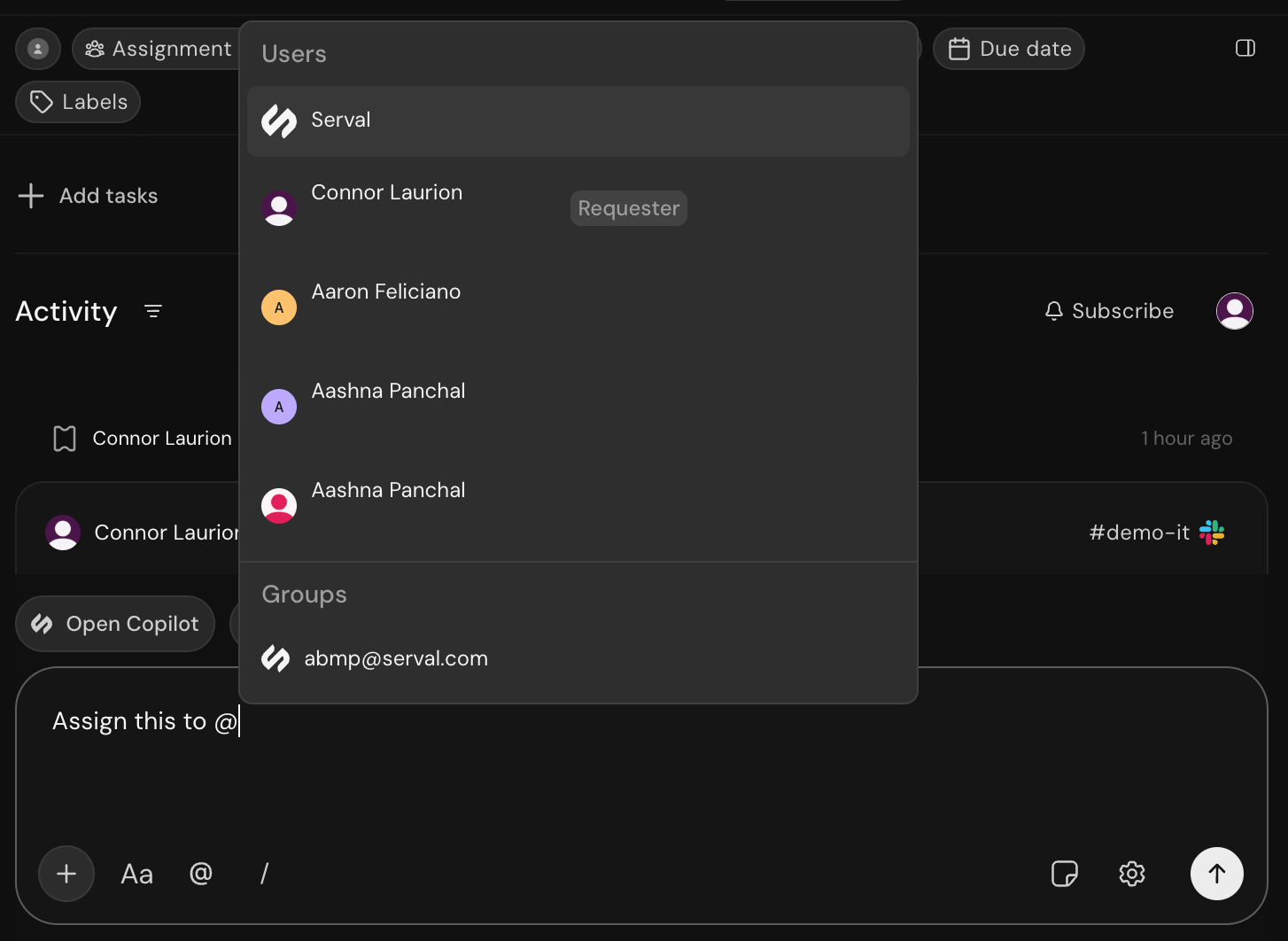
Reassigning via @ mention
Serval understands natural language, so you don’t need to use exact commands. Just describe what you want to change.
Quick reference
✓ = visible in that surface; — = not shown. In Chat, changes appear in the Activity timeline.Related
The Serval Ticket
Learn about all ticket properties
Resolving Tickets
Guide to working through tickets