> ## Documentation Index
> Fetch the complete documentation index at: https://docs.serval.com/llms.txt
> Use this file to discover all available pages before exploring further.
# Updating Ticket Properties
> Keep tickets organized by updating status, priority, assignee, and labels
Keep tickets organized by updating properties as you work. You can update properties from multiple places in Serval.
***
## From List View
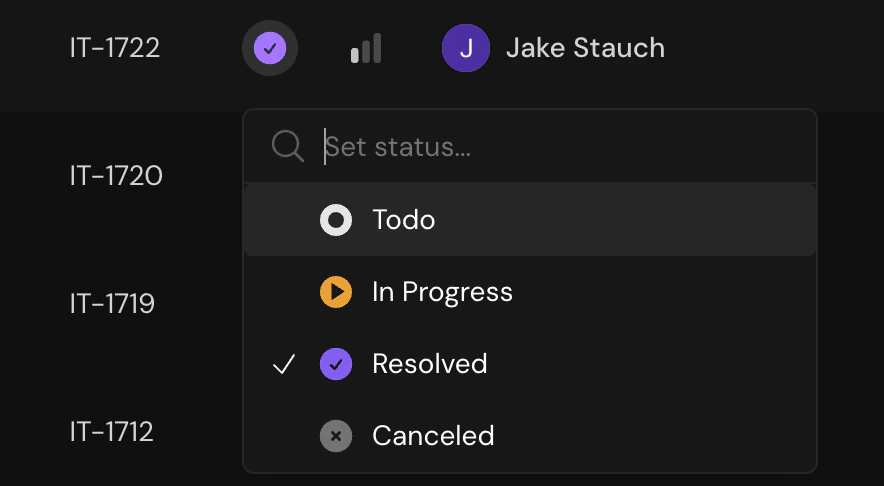
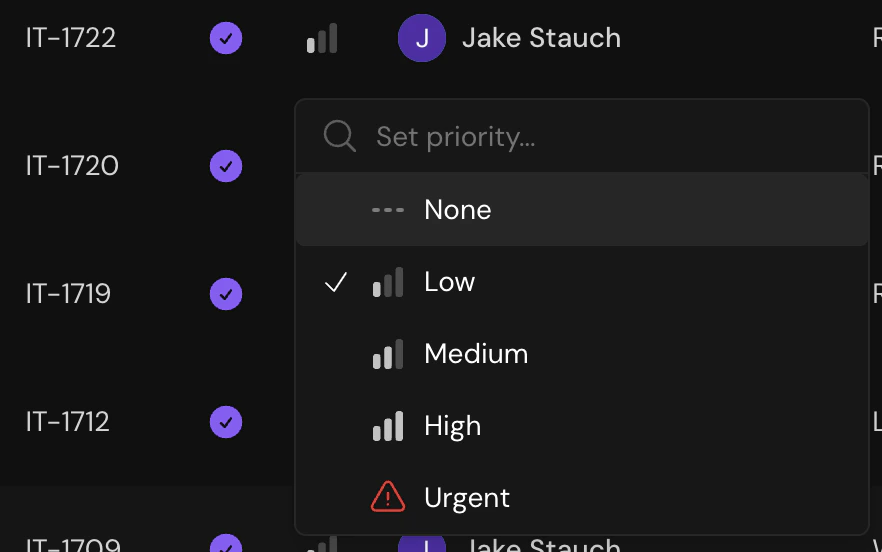
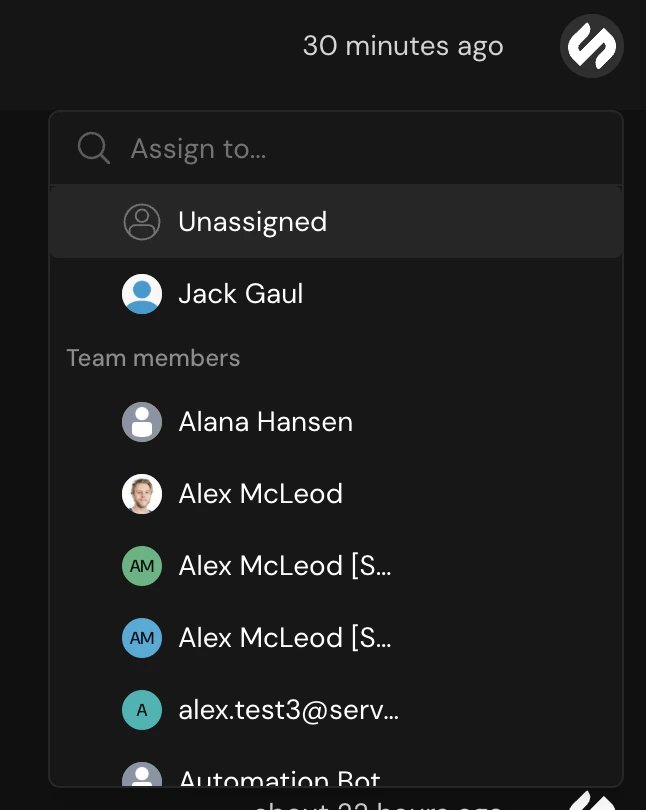
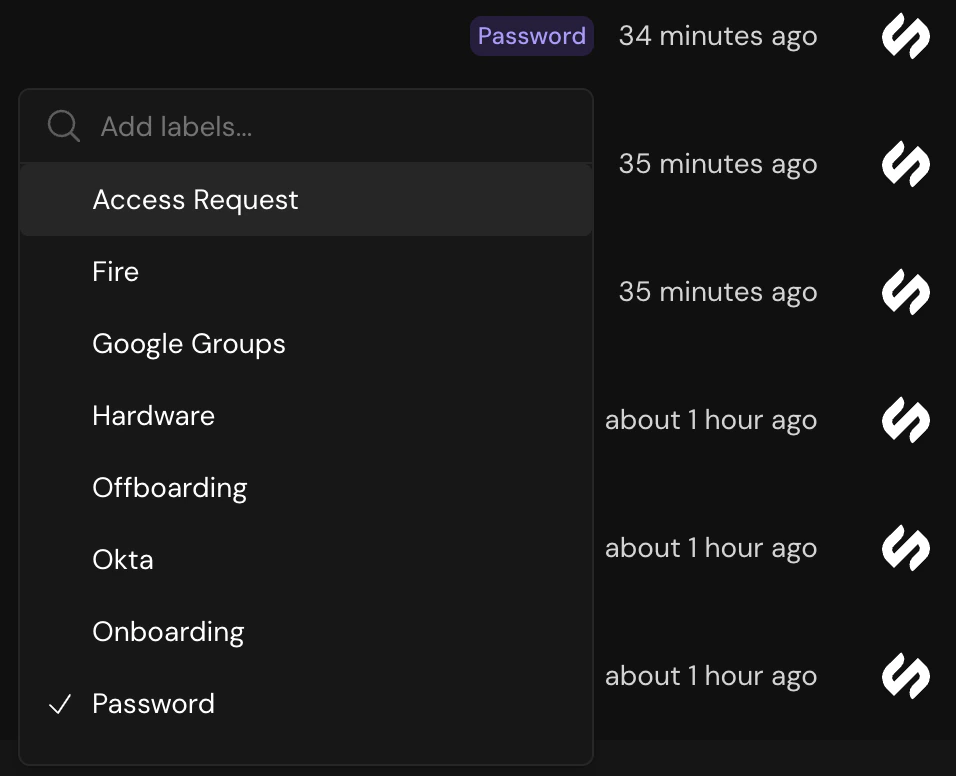
Click directly on any column to update without opening the ticket:
Move tickets between workflow stages
 Adjust urgency level
 Reassign to a team member
 Add or remove labels
 Set or change the target resolution date
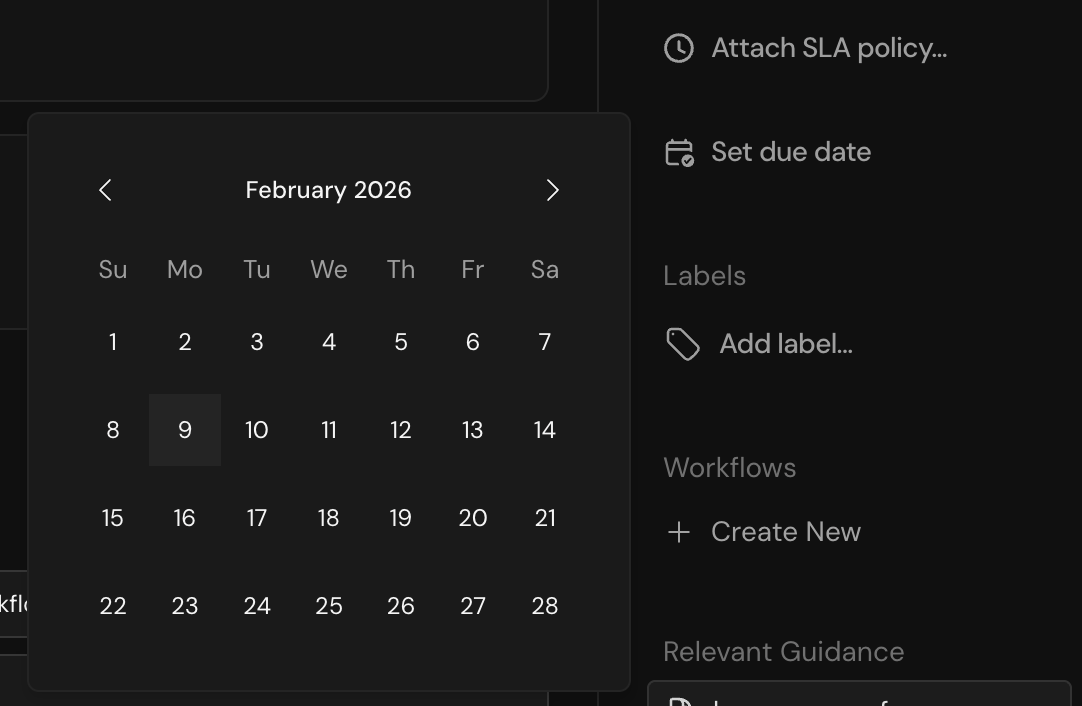 Updating from list view is the fastest way to triage multiple tickets quickly.
***
## From Detail View
Open a ticket and use the properties panel on the right side to update any field:
* Click on any property to edit
* Changes save automatically
* View the activity tab to see a history of all changes
***
## From Chat
Use natural language or @ mentions directly in the ticket conversation:
**Change status:**
* "Mark as resolved"
* "Set status to in progress"
**Reassign:**
* "Assign this to @sarah"
* "@john can you take this?"
**Set priority:**
* "Set priority to high"
* "This is urgent"
**Add labels:**
* "Add the billing label"
Updating from list view is the fastest way to triage multiple tickets quickly.
***
## From Detail View
Open a ticket and use the properties panel on the right side to update any field:
* Click on any property to edit
* Changes save automatically
* View the activity tab to see a history of all changes
***
## From Chat
Use natural language or @ mentions directly in the ticket conversation:
**Change status:**
* "Mark as resolved"
* "Set status to in progress"
**Reassign:**
* "Assign this to @sarah"
* "@john can you take this?"
**Set priority:**
* "Set priority to high"
* "This is urgent"
**Add labels:**
* "Add the billing label"
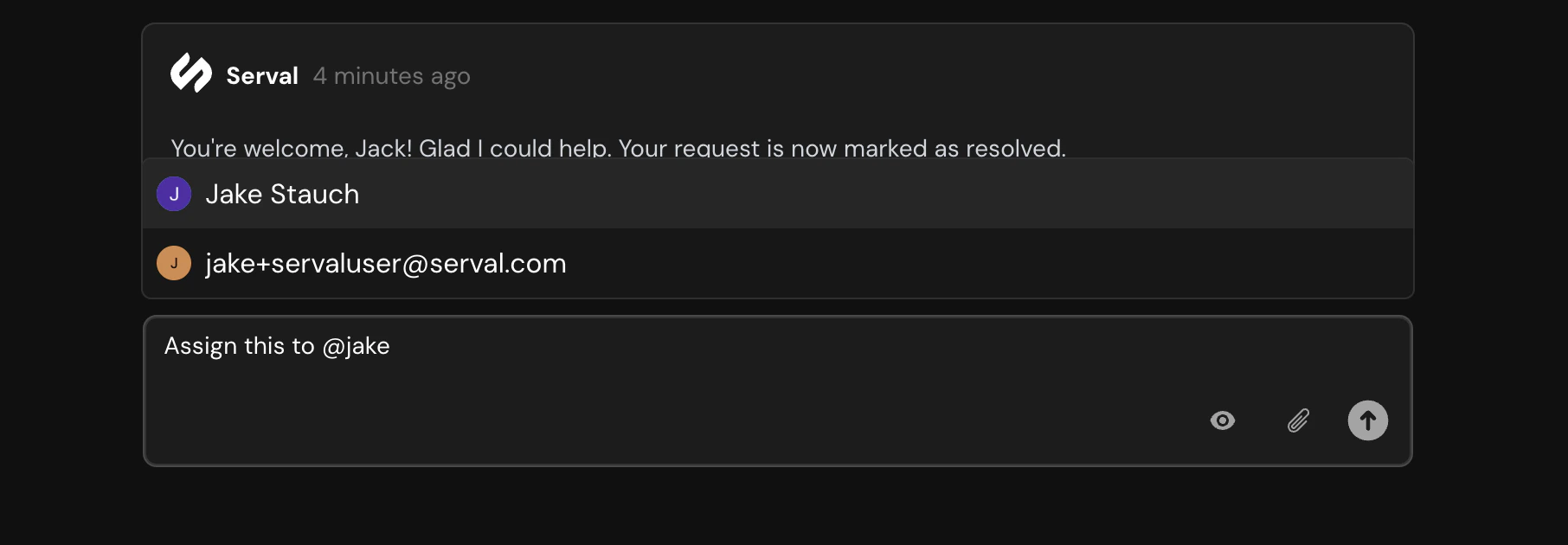 Serval understands natural language, so you don't need to use exact commands. Just describe what you want to change.
***
## Quick Reference
| Property | List View | Detail View | Chat |
| :---------- | :-------- | :---------- | :------------ |
| Status | ✓ | ✓ | ✓ |
| Priority | ✓ | ✓ | ✓ |
| Assignee | ✓ | ✓ | ✓ (@ mention) |
| Labels | ✓ | ✓ | ✓ |
| Due Date | ✓ | ✓ | — |
| SLA | — | ✓ | — |
| Ticket Type | — | ✓ | — |
***
## Related
Learn about all ticket properties
Guide to working through tickets
Serval understands natural language, so you don't need to use exact commands. Just describe what you want to change.
***
## Quick Reference
| Property | List View | Detail View | Chat |
| :---------- | :-------- | :---------- | :------------ |
| Status | ✓ | ✓ | ✓ |
| Priority | ✓ | ✓ | ✓ |
| Assignee | ✓ | ✓ | ✓ (@ mention) |
| Labels | ✓ | ✓ | ✓ |
| Due Date | ✓ | ✓ | — |
| SLA | — | ✓ | — |
| Ticket Type | — | ✓ | — |
***
## Related
Learn about all ticket properties
Guide to working through tickets