> ## Documentation Index
> Fetch the complete documentation index at: https://docs.serval.com/llms.txt
> Use this file to discover all available pages before exploring further.
# Admin and end user views
> A journey has different views so people see only what's relevant to them
**Journeys is in open beta** and the product is actively evolving.
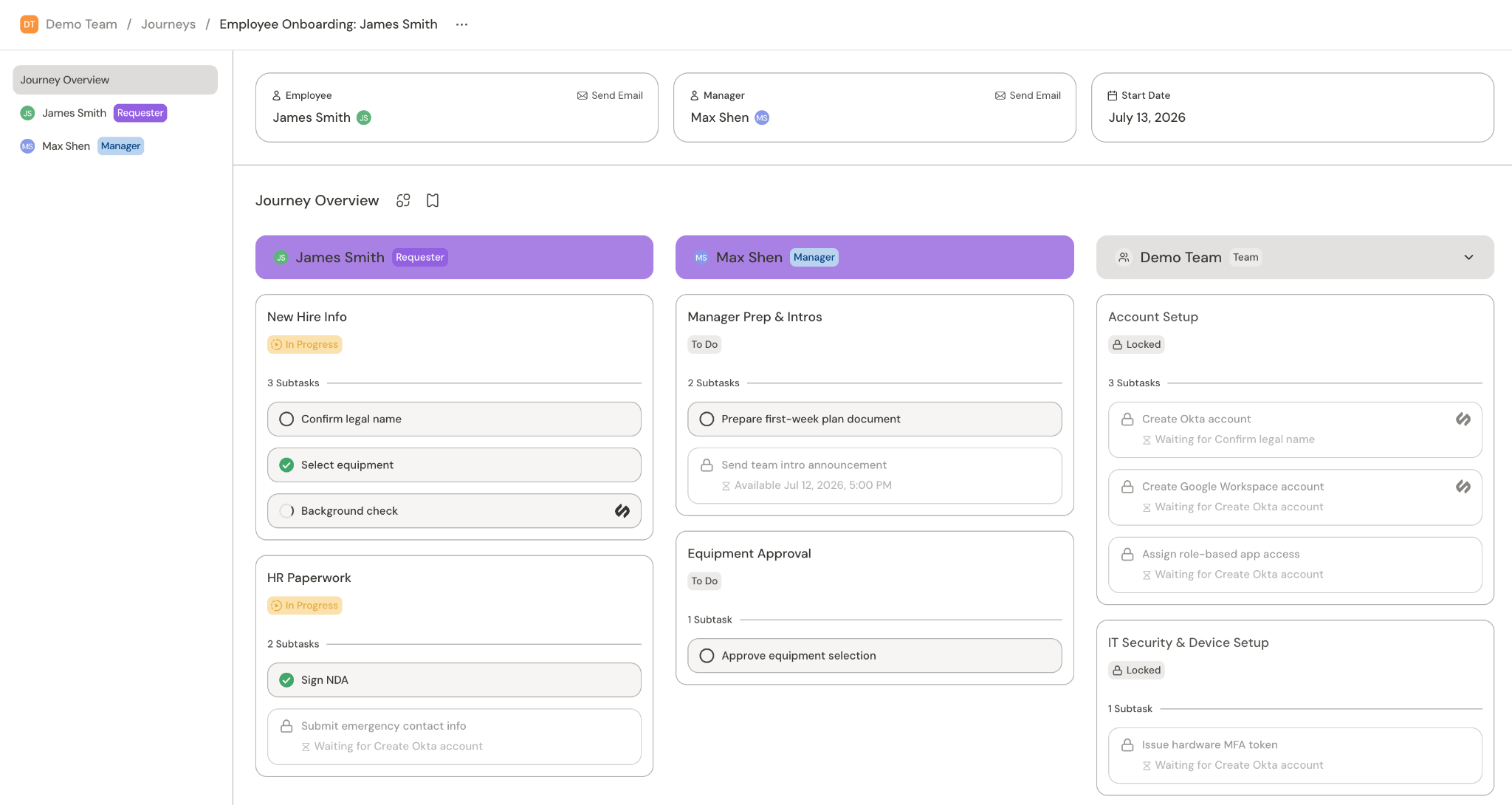
## Journey overview
The overview page lists all tasks by assignee and displays their status. It is only visible to members of the Serval team that owns/created the journey. Users with access to the journey overview can also see the requester and stakeholder views.
 ## Requester view
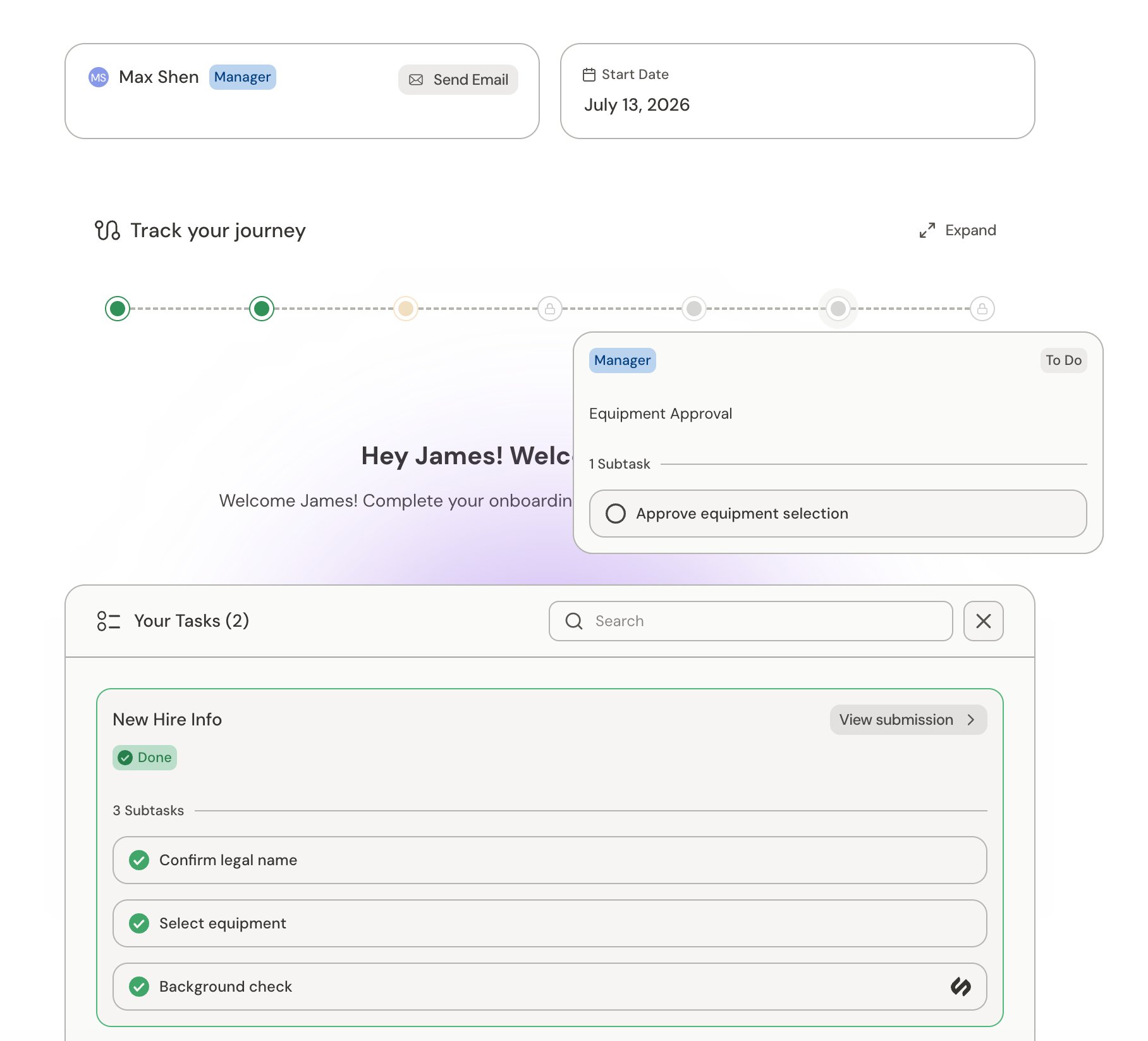
The requester view is for the person going through the journey (e.g. the new hire). They can see all of their tasks, as well as hover over the timeline to see tasks assigned to others.
## Requester view
The requester view is for the person going through the journey (e.g. the new hire). They can see all of their tasks, as well as hover over the timeline to see tasks assigned to others.
 ## Stakeholder view
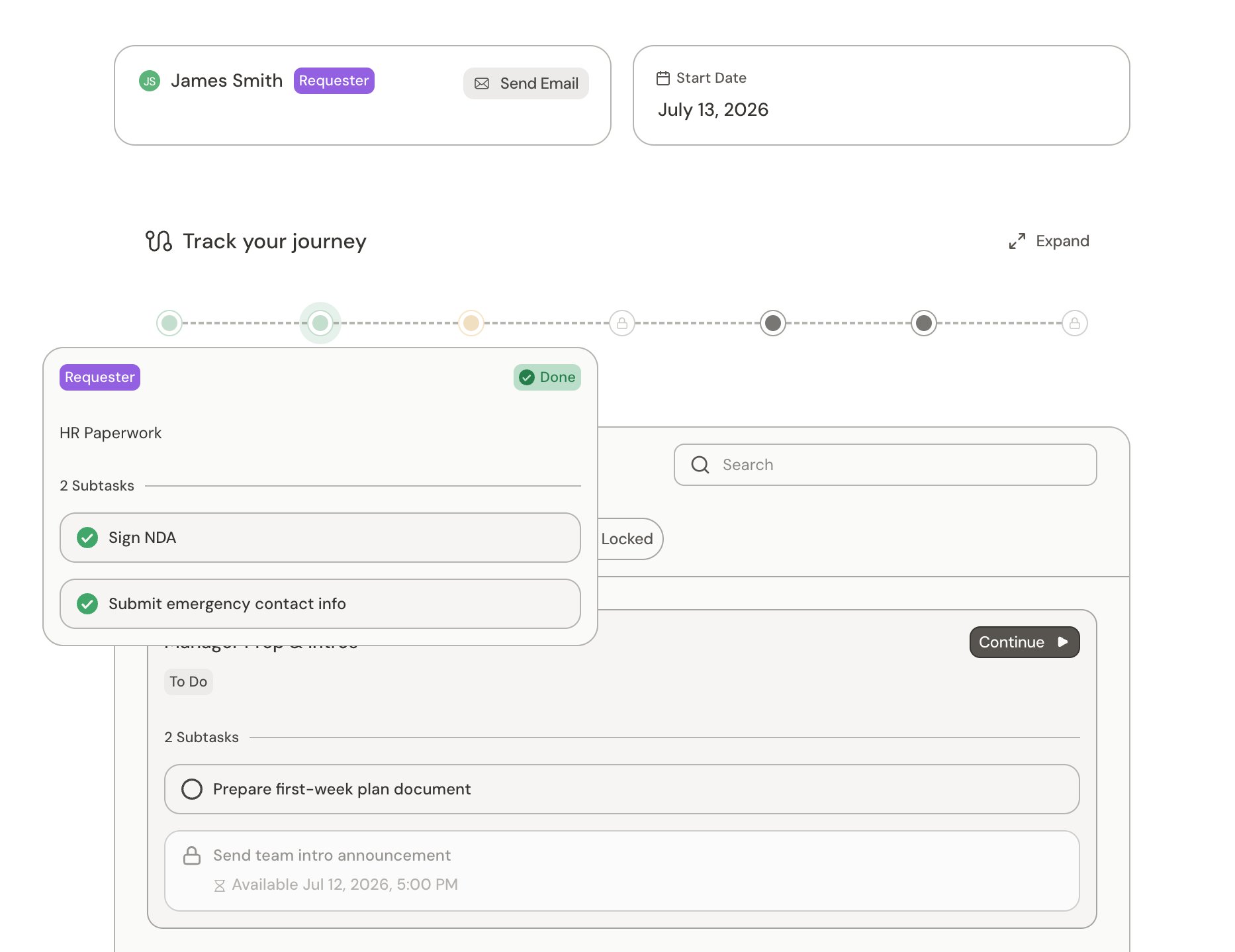
Each stakeholder, such as the requestor's manager, gets their own view with a list of tasks assigned to them. They can also hover over the timeline to see the status of tasks assigned to others.
## Stakeholder view
Each stakeholder, such as the requestor's manager, gets their own view with a list of tasks assigned to them. They can also hover over the timeline to see the status of tasks assigned to others.
 ## Journey chat
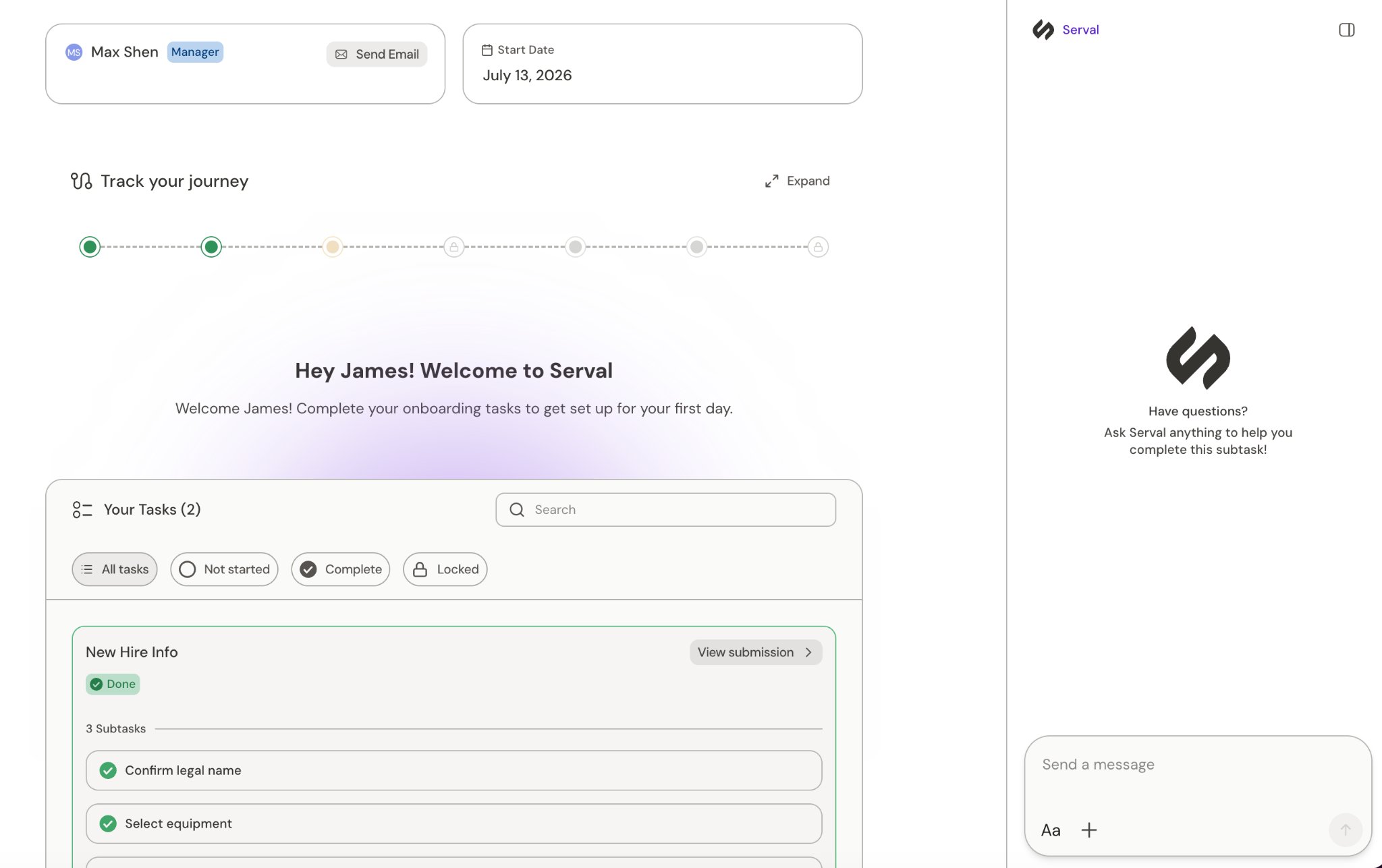
From the requester and stakeholder views, the user can start a chat with the Help Desk agent. They can ask questions about what a step means, how to complete it, or anything blocking them. When the agent can't resolve something on its own, it escalates the conversation via a ticket so a human on your team can step in.
## Journey chat
From the requester and stakeholder views, the user can start a chat with the Help Desk agent. They can ask questions about what a step means, how to complete it, or anything blocking them. When the agent can't resolve something on its own, it escalates the conversation via a ticket so a human on your team can step in.
 ## Related
What journeys are and how the pieces fit together
Overview of journey tasks
Track journeys and their tasks as an admin
Use a journey to manage tasks for a team
The automations behind each task
Design and build journeys in Catalyst
## Related
What journeys are and how the pieces fit together
Overview of journey tasks
Track journeys and their tasks as an admin
Use a journey to manage tasks for a team
The automations behind each task
Design and build journeys in Catalyst